
How to set up a Certilia profile
If you have a valid Croatian electronic ID card issued after 2 August 2021, you can activate the Certilia app using a QR code from the police. An Android or iOS device is enough for this method.
1. Request the QR-code leaflet
Visit an ID-card collection counter at a police administration or station. You can go to the office that issued your ID card or another ID-card collection counter.
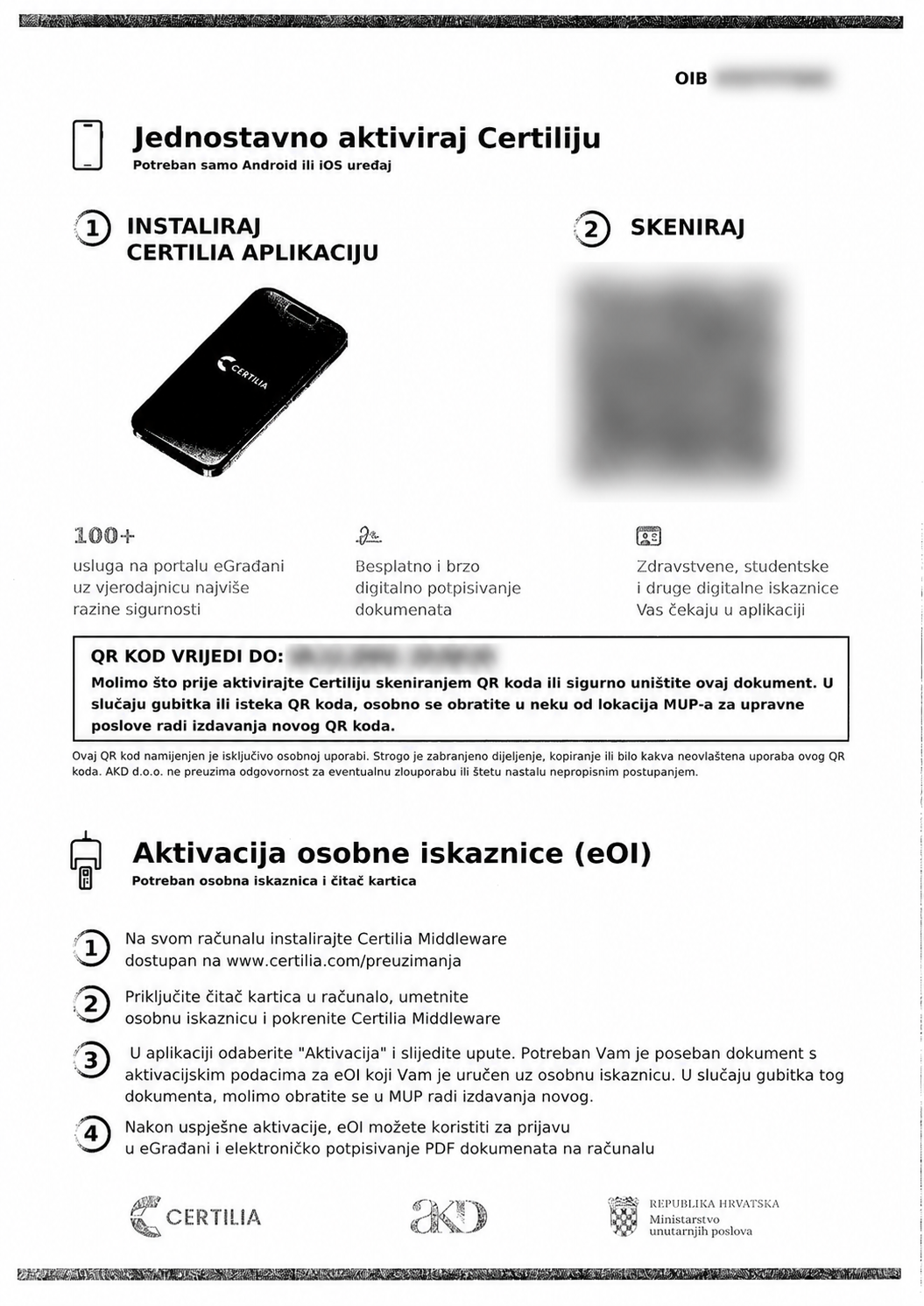
Ask for the leaflet with a QR code for activating the Certilia app, headed Jednostavno aktiviraj Certiliju (Activate Certilia easily). You can get the QR code when collecting a new ID card or later, while your ID card is valid.
The QR code expires. Scan it before the date printed on your own leaflet. If it has expired, request a new one at an ID-card collection counter.
To activate the Certilia app this way, use the QR code in the upper part of the leaflet. Activating the electronic part of your ID card is not required for this QR-code method. If you do not want to activate it, you can skip the lower part of the leaflet, Aktivacija osobne iskaznice (eOI).
2. Install the Certilia app
Install the official Certilia app on your phone. The official instructions include links for Android and iOS.
Open activation instructions3. Scan the QR code and finish activation
Open the Certilia app, scan the leaflet's QR code in the app and follow the steps it shows. This method does not require a computer, card reader or prior activation of the electronic ID card.
Destroy the leaflet securely after activation.
Remember your sign-in and signing PINs
You set your sign-in PIN or password and your signing PIN separately. You can choose the same value if it meets the requirements of both fields. Still, remember both: one is for signing in, the other for authorizing signatures.
Help with activating your ID card
If you would like help activating the electronic part of your ID card, visit our office. Book a meeting and we will help you with activation.
Book a meetingAfter activation
You can manage your profile on the Certilia portal. To sign a document in RDD, follow our separate guide.
How to sign a document in RDD with Certilia
Open the Certilia portal